Make yourself at home.
Wood knocks, soul chimes and altar bells give the mire a voice. Short brood captions, larger text and saved controls make the duel easier to settle into.
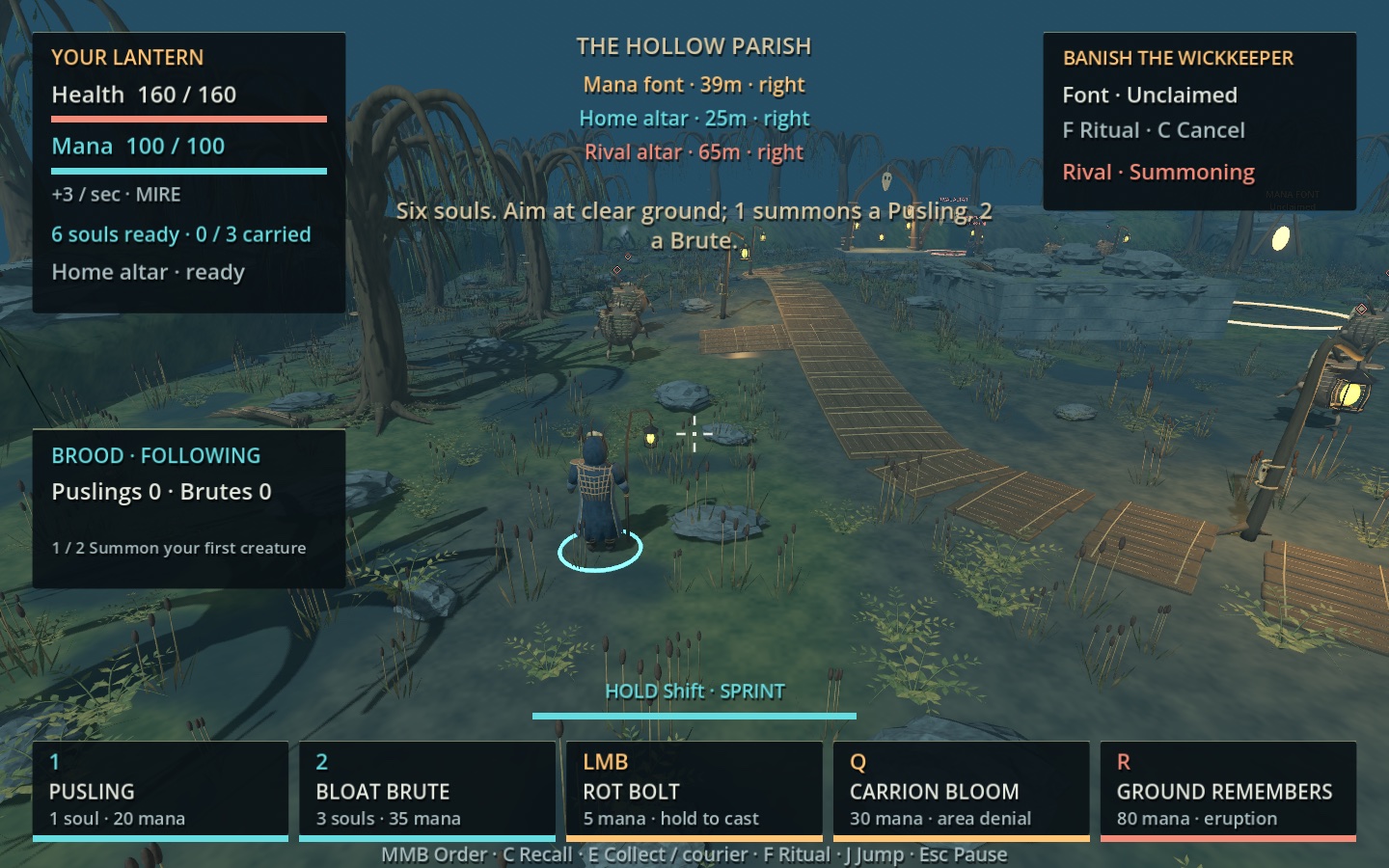
The parish has its creatures and scenery. This checkpoint gives its feedback more character and puts the controls in the player’s hands. Ten original sound cues accompany the existing actions, while optional written barks add a little dry humour.
Wood, bells and small remarks
Codex synthesized ten original cues from wood and bell tones, filtered noise, root cracks and chimes. Summoning and returning now have their own sounds. Important altar warnings take priority when the small voice pool is busy; volume, mute and pause apply to every cue.
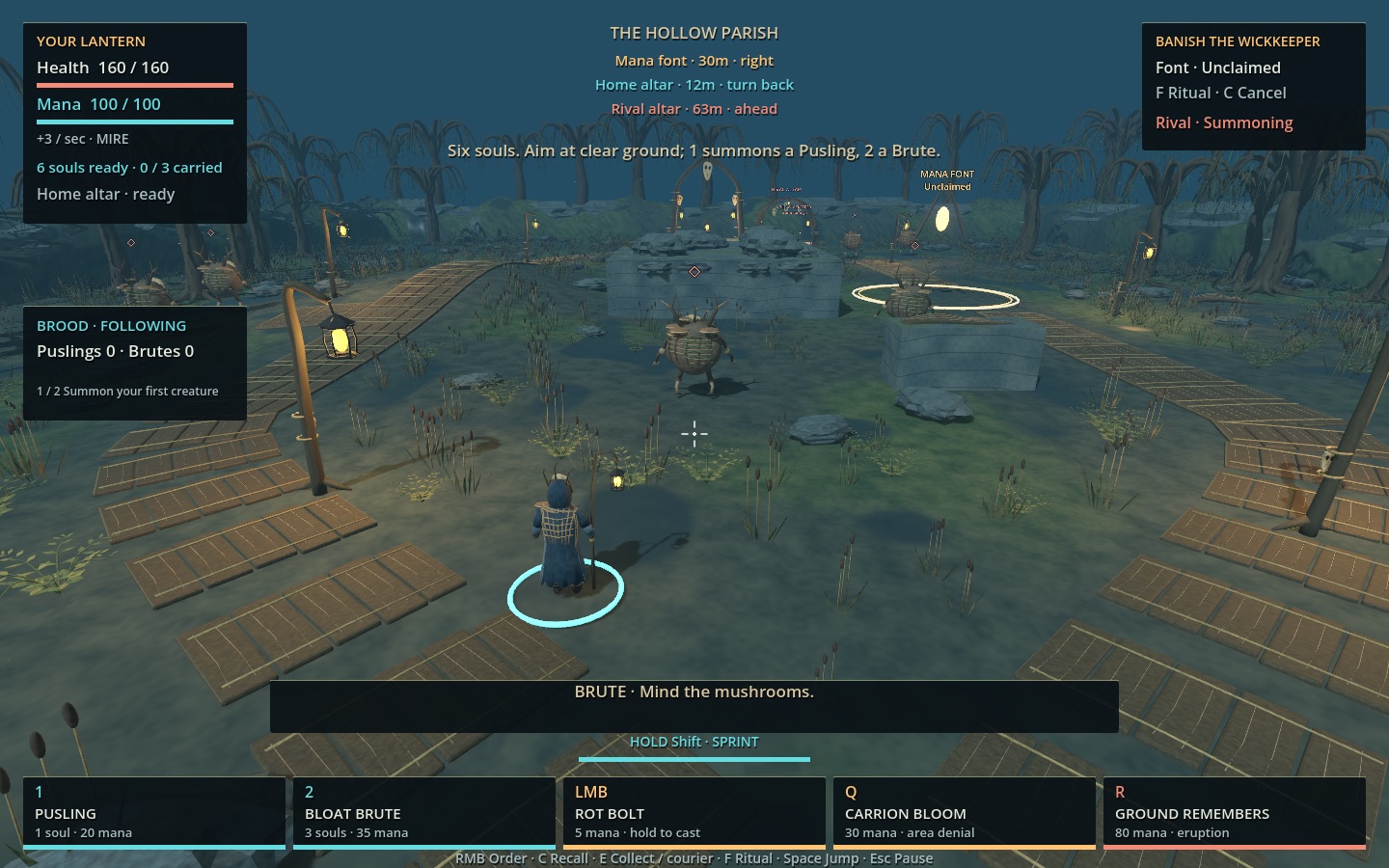
Puslings, Brutes and the wizard also have short authored text lines tied to summons, soul recovery, return and ritual events. A shared cooldown keeps them occasional. The captions can be switched off, and they yield to immediate interaction or death feedback.
Controls that stay yours
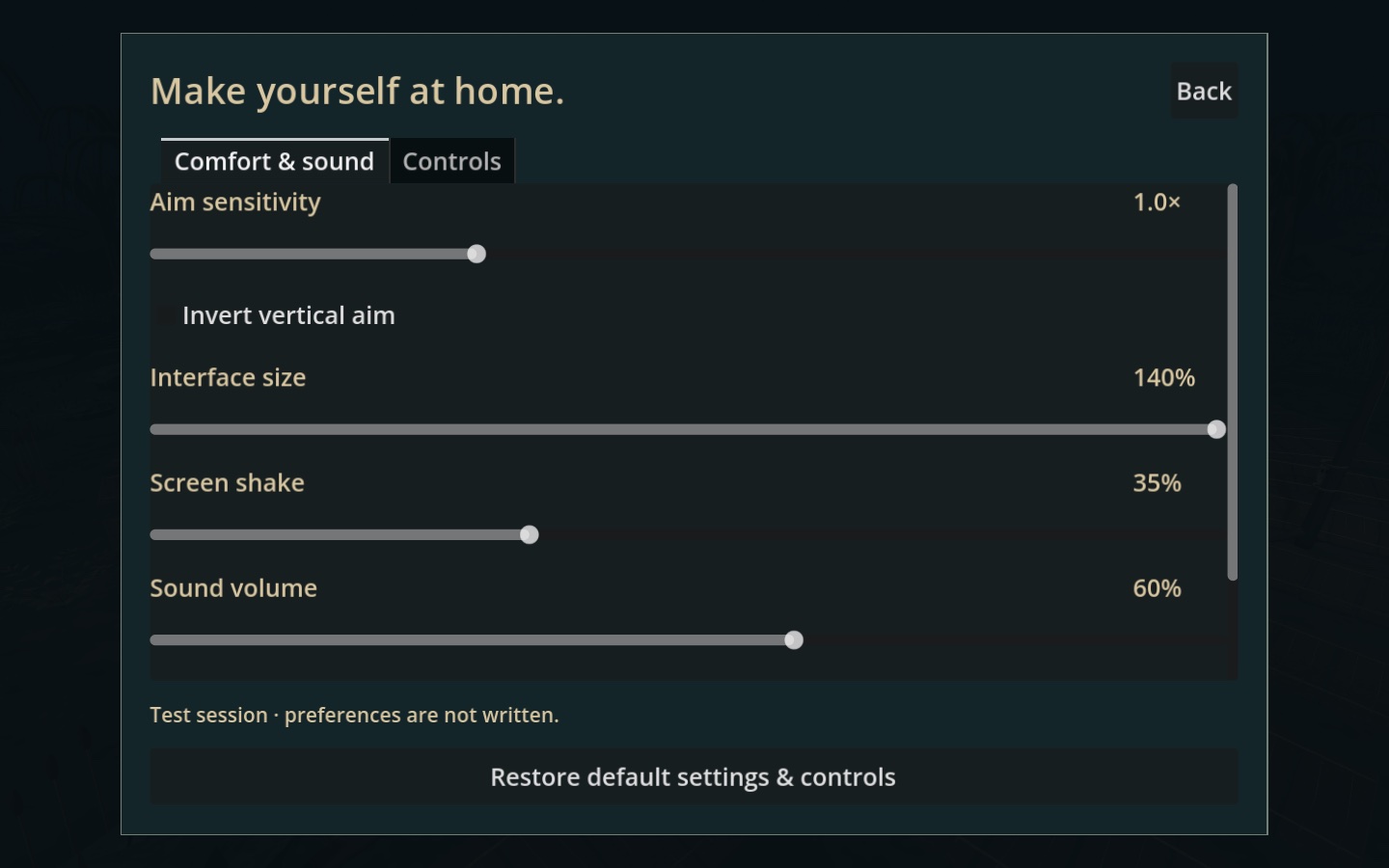
Settings now include interface size from 100% to 140%, aim sensitivity, vertical inversion, optional screen shake, sound volume and written barks. Eighteen actions can be remapped to a key or mouse button. When two actions collide, the player chooses Swap or Cancel. Restore defaults puts everything back.
The game remembers settings and bindings between launches, and its prompts follow the chosen controls. Space jump, hold-Shift sprint and trackpad zoom remain the defaults. Escape always provides a way back to pause.
Checked in the app
The full regression passed 613 checks before final interface corrections. Those corrections then passed 60 focused checks and four separate-process relaunch checks. The final exported pack passed 113 dependency and exclusion checks, repeated the 64 controls checks and produced seven captures. Native computer use confirmed keyboard remapping, conflict swapping, cancellation, larger text, restart, full relaunch and restoring defaults.
The Mac checkpoint is archived and its predecessor preserved. Next is sustained 1080p measurement, crowded combat, repeated effects and a separate 24-agent stress fixture. Human judgement of sound and combat feel, along with genuine Windows and Intel testing, remains separate from the checks completed here.